Carrier Corner: Your Guide to Business Internet


Article Courtesy of StoredTech's Network of Experts
Chris Waggoner | Carrier Services Consultant at StoredTech
Chris is a seasoned carrier services guide with 30 years of experience in the industry and an impressive 40-year background in communications. He knows the ins and outs of the industry and is here to help businesses get the best out of their carrier services.
For the modern business, every second counts. The speed and reliability of your internet connection can significantly impact your efficiency and growth. This guide is designed to help you understand the different types of business internet connections and how to choose the right one for your company. Continue reading to discover how faster internet can elevate your business to new heights!
Speed is King
In the world of business internet, speed is everything. The more speed you have, the more you can do. Even if you don't have a high demand, faster speeds can make your existing tasks more efficient. To determine the optimal speed for your company's network, consider the following checklist:
- Number of Employees: More employees typically mean a greater need for speed.
- Programs in Use: Applications like video conferencing, cloud-based apps (e.g., SharePoint, Dropbox, Google Drive), and large data backups require significant bandwidth.
- Costs: Installation and ongoing costs can vary based on the type of connection and speed you choose.
Types of Internet Speed
Understanding the different types of internet connections can help you make an informed decision:

DIA (Dedicated Internet Access)
This is a private line from the internet to your business, identified by a unique IP address. Think of it as a direct connection, like two cups connected by a string.
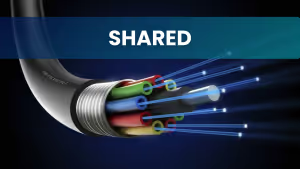
FIA (Fiber Internet Access)
Also known as "shared fiber," this includes products like FIOS or AT&T ABF. These services offer high speeds at affordable prices but can be affected by oversubscription.

ETR/ELAN
These fiber lines connect multiple locations. ETR (point-to-point) is a private line between two locations, while ELAN connects many locations, sharing data between them. The speed pertains to the connection between locations, not internet speed.
Fiber Internet: The Backbone of High Performance Networks
Availability
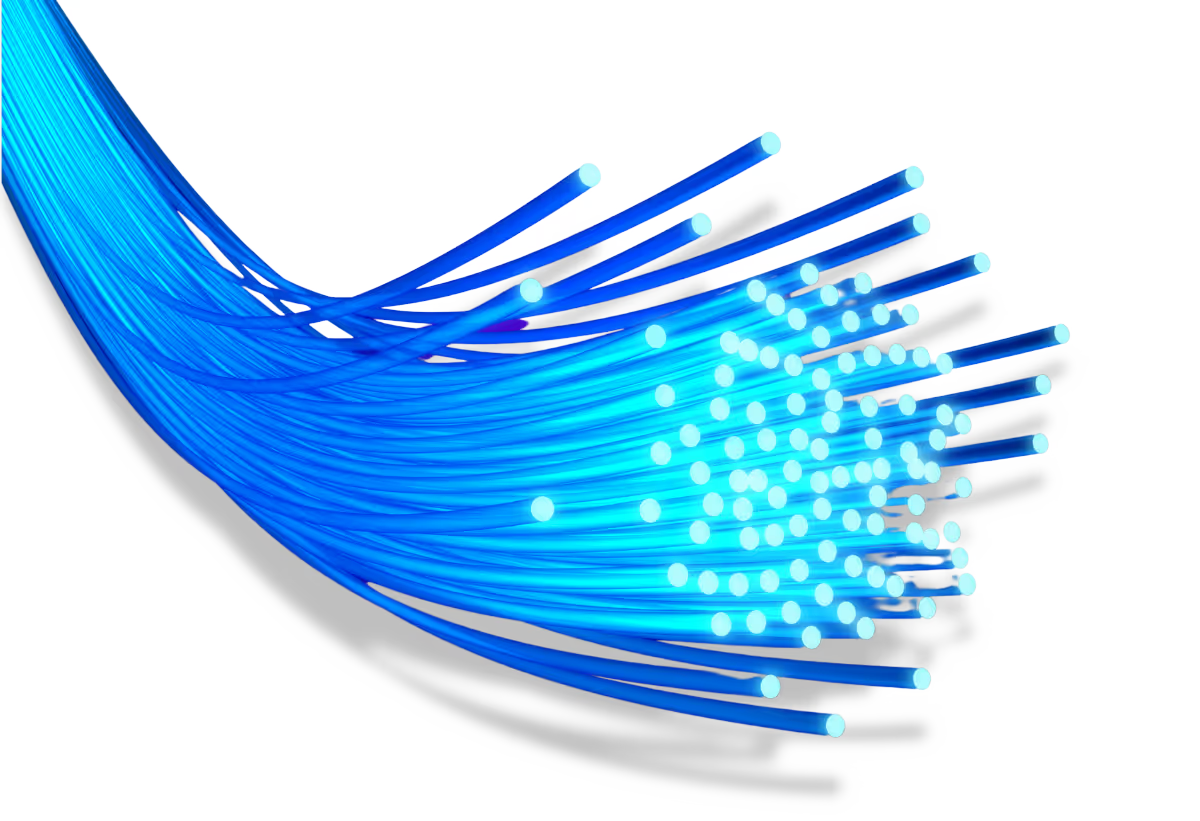
Fiber is known for its reliability, as fiber-optic cables are less prone to interference and signal degradation. Fiber internet typically provides symmetrical speeds, meaning upload and download speeds are the same, which is beneficial for data-intensive tasks like video conferencing and cloud computing. It's also future-proof, easily scalable, and has lower latency, making it ideal for real-time applications. Additionally, fiber-optic cables are more secure and harder to tap into, enhancing cybersecurity. Overall, fiber internet is a superior choice for businesses looking for fast, reliable, and scalable internet solutions.
Fiber internet isn't available everywhere however, and sometimes there's a build required to get fiber to your address. Always check internet availability before moving your business to a new location to avoid setbacks.
Alternatives
If fiber isn't available, consider these alternatives:
1. Coaxial Internet: Uses a copper core to send data packets. Companies like Comcast and Spectrum offer this service. It's a shared product and can experience slow speeds due to oversubscription. However, speeds are improving, making it a viable option for backup.
2. Wireless Internet: Utilizes cell towers to provide speed. It's best used as a backup due to its "best effort" nature and potential high costs based on data usage.
3. Satellite Internet (e.g., StarLink): Relies on satellites for connection. It's increasingly used for backup and remote capabilities but isn't recommended as the primary internet source.
Costs & Installation
Installation costs for fiber can range from $250 to $500. If there's a build required, companies may charge upfront, incorporate the cost into your monthly payment, or cover it with a multi-year contract. Be aware of potential delays due to right of entry (ROE) documents or pole permits.
The installation times can vary:
- Fiber in the building: 30 days
- Fiber at the street: 45 to 60 days
- Small build required: 90 to 120 days
Moving Considerations
When moving your business, consider carrier connections early. Before the move, it's crucial to research the types of internet services available in the area and to ensure your new location supports the speed needed for your equipment. Failing to do so could set your network back significantly.
Vendor Collaboration Made Easy with StoredTech's Support
StoredTech offers a free analysis of your current services and what is available to you at this time. There is no obligation to change anything or go with any of the options presented, but it does provide valuable information that can be used as leverage to get the best deal when you do come out of contract. Some carriers will see that opportunity for new business and buy out the remainder of your deal just to get the business.
Interested in learning more and seeing what StoredTech can do for your business? Let us help you navigate the complexities of business internet and ensure your network is ready for the future!
Talk to an IT Expert About Securing Your Business!
[gravityform id="2" title="false" description="false" ajax="false" /]
Latest Technology Trends and Strategies
Insights for leaders who want results.
.png)

Keep Your Business Running with 24/7 IT Support
Get reliability, security, and peace of mind from a partner that picks up every time. Fill out a quick form and get in touch with us today!